





Institutional definition of this learning model
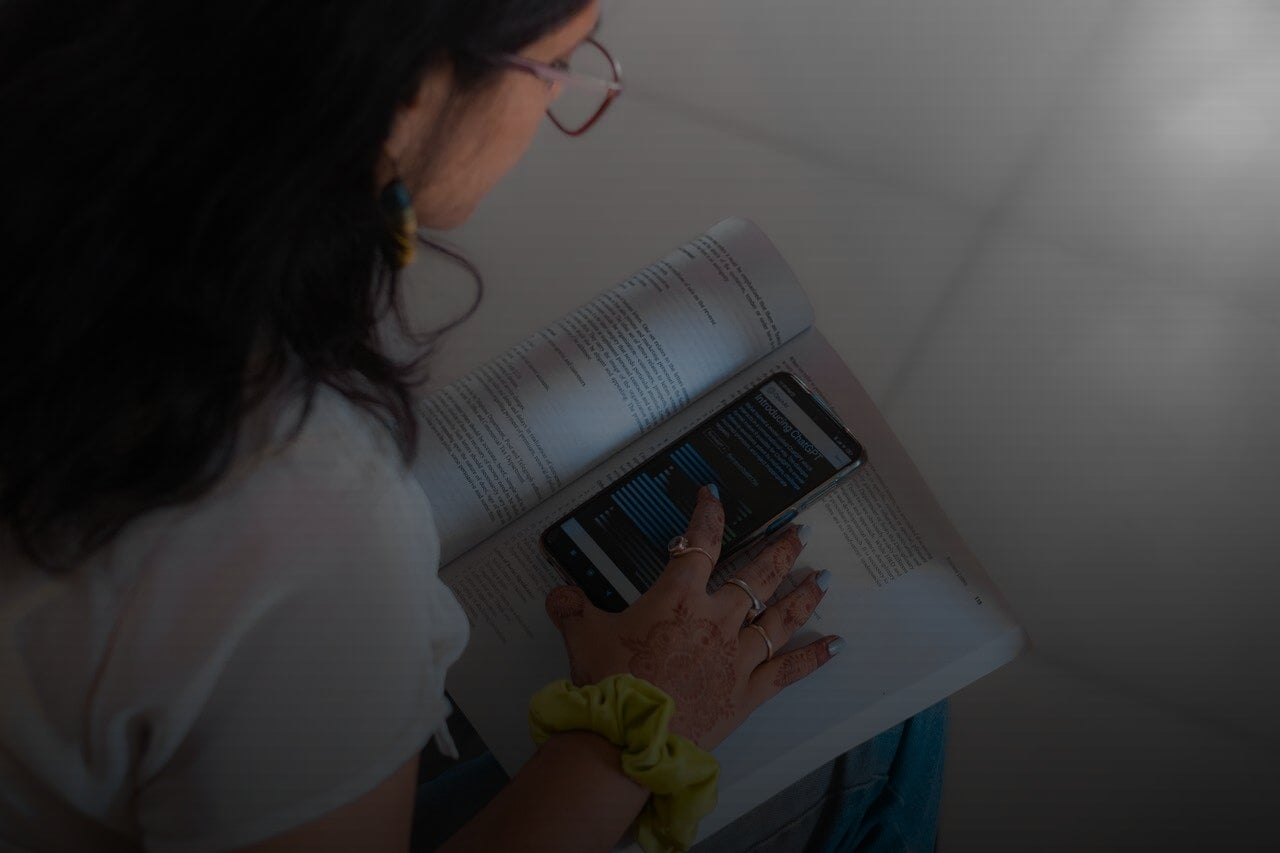
UNESCO defines mobile learning as the use of mobile technology, either on its own or in combination with other technologies, to facilitate learning anytime, anywhere.
M-learning can form part of an online degree programme, a face-to-face class, corporate training or a self-directed learning process. It does not require the entire programme to be delivered via a mobile phone.
How does m-learning work?
Students use a mobile device to access resources and activities tailored to this format. They can carry out actions such as:
- Read a brief explanation.
- Listen to a podcast.
- Watch a video.
- Answer a quiz.
- Revising using flashcards.
- Take part in a forum.
- Receive a notification.
- Check the calendar.
- Download a document.
- Communicate with the teacher.
- Work with classmates.
- Record a practical activity.
- Access resources via a QR code.
- Take a photograph or make a recording for educational purposes.
Learning can take place at home, whilst travelling, at work, in a museum, in a laboratory or in any other suitable setting.
Mobility does not refer solely to the device. It also implies that learning can continue across different spaces and situations.
Characteristics of mobile learning
M-learning has a number of characteristics that set it apart from other digital models.
Mobility
The device can accompany the learner and facilitate access to resources from different locations.
Immediate access
It allows students to look up information or carry out an activity whenever the need arises.
Flexibility
Students can make use of different times of the day, provided this fits within the programme’s schedule.
Adapted content
Resources must be displayed and used correctly on small screens.
Short interactions
Many mobile activities are designed to be completed in short periods, although this does not mean that all m-learning has to be microlearning.
Connectivity
Devices allow users to receive updates, communicate and synchronise their progress.
Use of mobile-specific features
Learning can incorporate the camera, audio, video, location, sensors, augmented reality or QR codes.
Cross-device continuity
An activity can start on a computer, continue on a mobile phone and be completed later on another device.
Is accessing the campus via a mobile phone considered m-learning?
It can form part of a mobile learning experience, but it is not always sufficient to describe it as a specific m-learning design.
If a student opens a document on their mobile phone that was created for a large screen and cannot read it comfortably, the resource is accessible via mobile, but it is not truly adapted.
A mobile learning experience must take into account:
- Screen size.
- Touch navigation.
- Readability.
- Content length.
- Data usage.
- Ability to use resources offline.
- Accessibility.
- Device-related interruptions.
- Context in which the activity will take place.
The design must facilitate mobile learning, not merely enable technical access.
Differences between m-learning and e-learning
M-learning is part of digital learning, but it is not synonymous with e-learning.
Aspect | M-learning | E-learning |
|---|---|---|
| Main device | Mobile phone or tablet | Computer, tablet, mobile phone or other device |
| Context | Mobile learning | Digital environment in the broadest sense |
| Typical duration | Activities are often brief | May include extended sessions and activities |
| Design | Adapted for small screens | May be designed for different screens |
| Features | May use the camera, location or sensors | Does not rely on mobile features |
| Main use | Reference, practice, communication and revision | Comprehensive development of content and activities |
| Setting | Various contexts | Any location with the necessary resources |
E-learning is a broader concept. It can include extensive lessons, complex assignments, simulations and assessments carried out on a computer.
M-learning focuses specifically on the possibilities offered by mobile devices.
Differences between m-learning and microlearning
M-learning and microlearning can be combined, but they describe different aspects.
M-learning refers to the mobile device and context. Microlearning refers to the organisation of content into short units focused on specific objectives.
For example:
- A three-minute video watched on a mobile phone can be both m-learning and microlearning.
- A one-hour lesson followed on a tablet may be m-learning, but not microlearning.
- A revision card viewed on a computer may be microlearning, though not mobile learning.
Not all educational content needs to be divided into small units. Complex topics also require extensive reading, reflection, practice and elaboration.
Differences between m-learning and b-learning
B-learning combines online and face-to-face activities. M-learning uses mobile devices for learning.
A blended learning programme may incorporate mobile learning, for example, if the student uses their mobile phone to:
- Prepare for a practical exercise.
- Check instructions.
- Record observations.
- Scan a code.
- Complete a questionnaire.
- Access materials during a face-to-face session.
Therefore, the two concepts can coexist within the same programme.
Advantages of m-learning
Access from different locations
A mobile device allows you to access resources without always having to rely on a fixed study space.
This can be useful for revising or carrying out short activities whilst travelling or during waiting times.
Making the most of short periods of time
Students can make use of periods of time that would not be long enough for a full session:
- To go through five flashcards.
- Listen to an explanation.
- Check the calendar.
- Read a notification.
- Answer a question.
- Make a note of a query.
These moments complement your studies, but should not replace the time needed to carry out complex activities.
Familiarity with the device
Most users are familiar with the basic functions of their phone, which can reduce the initial difficulty of getting started.
Even so, using a device in everyday life does not guarantee that one has all the skills needed to learn with it.
Quick communication
Notifications, messages and forums facilitate contact with teachers and classmates.
Immediate communication must be managed judiciously so as not to create an expectation of constant availability.
Multimedia content
A mobile phone provides access to video, audio, text, images and interactive resources all from a single device.
Situated learning
M-learning can link content to the context in which the student finds themselves.
For example:
- Identifying species during a field trip.
- Consulting a procedure in a laboratory.
- Recording information during a practical session.
- Accessing content in a museum.
- Practising a language in an everyday situation.
Personalisation
Platforms can recommend activities, adjust the difficulty level or send reminders based on progress.
Personalisation must be transparent and respect privacy.
Accessibility
Certain features, such as screen readers, zoom, dictation or subtitles, can make content more accessible.
The availability of these features is no substitute for a design that is accessible from the outset.
Limitations of m-learning
Mobile learning also presents challenges that must be taken into account.
Screen size
Reading lengthy documents, analysing large tables or working with multiple sources is more difficult on a mobile phone.
Distractions
The device itself contains social media, messaging, calls and other apps that compete for attention.
Ergonomics
Maintaining poor posture or staring at a small screen for long periods can cause fatigue.
Data and battery usage
Videos, video calls and downloads can use up a lot of data and power.
Differences between devices
Not all students have the same operating system, screen size, storage capacity or internet connection.
Compatibility
Some academic tools and specialised programmes do not work properly on mobile devices.
Privacy
Apps may request access to the camera, microphone, location, contacts or files. Only the necessary permissions should be granted.
Difficulty producing complex work
A mobile phone is useful for looking things up and communicating, but not always for writing long documents, programming, analysing data or carrying out projects.
Can you study for a degree online using only a mobile phone?
It is not recommended. Although a mobile phone provides access to numerous resources, an online degree course usually requires a computer.
During a degree course, you will need to:
- Write lengthy assignments.
- Create presentations.
- Use spreadsheets.
- Manage files.
- Sit exams.
- Work with multiple windows.
- Consult reference materials.
- Use specific software programmes.
- Carry out projects.
- Take part in lengthy video conferences.
A mobile phone can be a supplementary device for accessing content, checking notifications, taking part in short activities or revising. A computer should remain the primary device for most online university studies.
Examples of m-learning
Language learning apps
These allow you to practise vocabulary, pronunciation, listening and conversation through short activities.
Flashcards
These make it easier to revise concepts, definitions, formulas and terms.
Educational podcasts
Students can listen to content whilst travelling or whilst carrying out a compatible activity.
Quizzes
Short questions allow students to check their understanding and receive immediate feedback.
QR codes
These can link an object, a facility or a physical document to digital information.
Augmented reality
Superimposes information onto the surroundings and can be used to display models, instructions or interactive elements.
Field activities
The device allows you to take photos, record video, locate and log information.
Educational notifications
Alerts remind you of upcoming dates, activities or pending content.
Forums and messaging
They make it easy to view conversations and post replies from different locations.
Short videos
These can be used to explain a procedure, introduce a concept or prepare for a practical session.
Applications of m-learning at university
In a university setting, it can be used to:
- Prepare lessons.
- Revising content.
- Consulting the reading list.
- Participating in forums.
- Recording practical activities.
- Access simple simulations.
- Complete self-assessments.
- Listen to content.
- Coordinate group work.
- Check the calendar.
- Access the library.
- Receive notifications.
- Take part in face-to-face activities enhanced by technology.
Its purpose is to complement the academic process, not to reduce a degree programme to a collection of small activities.
Applications in vocational and business training
In professional settings, mobile learning can facilitate access to information when it is needed.
Some examples include:
- Checking a procedure.
- Reviewing a safety regulation.
- Watching a demonstration.
- Completing a questionnaire.
- Completing a short training course.
- Report an incident.
- Receive an update.
- Access a checklist.
This type of use is sometimes known as just-in-time learning, because the resource appears close to the time it is needed.
How mobile learning content should be designed
Specific objective
Each resource must address a clear need. Brevity must not lead to meaningless fragmentation.
Simple navigation
The user must be able to quickly identify what to do and how to proceed.
Readable text
Sentences, paragraphs and visual elements must be adapted to a small screen.
Optimised audiovisual content
Videos must be of an appropriate length, have a reasonable file size and, where possible, include subtitles.
Touch interaction
Buttons and controls must be easy to use without requiring excessive precision.
Accessibility
Content must work with assistive technology and provide alternatives where necessary.
Ability to continue
Progress must be synchronised so that the student can start on one device and continue on another.
Moderate use of notifications
Notifications should provide relevant information. An excessive number may lead to user frustration or distraction.
Data protection
Only necessary data should be collected, and permissions must be clearly explained.
How to make the most of m-learning as a student
Decide what you’ll use your mobile for
For example, you could use it to check notifications, listen to content, take part in forums and revise.
Turn off distractions
Use focus mode or silence any apps you don’t need.
Avoid complex tasks
If a task requires extensive writing, analysis or multiple sources, use a computer.
Download resources in advance
Where the platform allows it, you can access materials without relying on a signal.
Use headphones
They make it easier to listen to content, but you must remain aware of your surroundings if you’re studying whilst travelling.
Protect your device
Use a screen lock, strong passwords and keep your device up to date. Do not store sensitive academic information without protection.
Synchronise your progress
Check that the activities you’ve completed on your mobile are recorded on the platform.
When is m-learning useful?
Mobile learning works particularly well for:
- Revision.
- Looking up information.
- Preparing for an activity.
- Practising specific content.
- Listening to resources.
- Communicate.
- Record information.
- Complete short self-assessments.
- Maintain continuity between sessions.
It is less suitable as the sole environment for:
- Very long reading passages.
- Programming.
- Data analysis.
- Design.
- Extensive academic writing.
- Exams requiring specific software.
- Projects involving numerous files.
- Tasks requiring multiple windows.
M-learning as part of UAX’s online learning
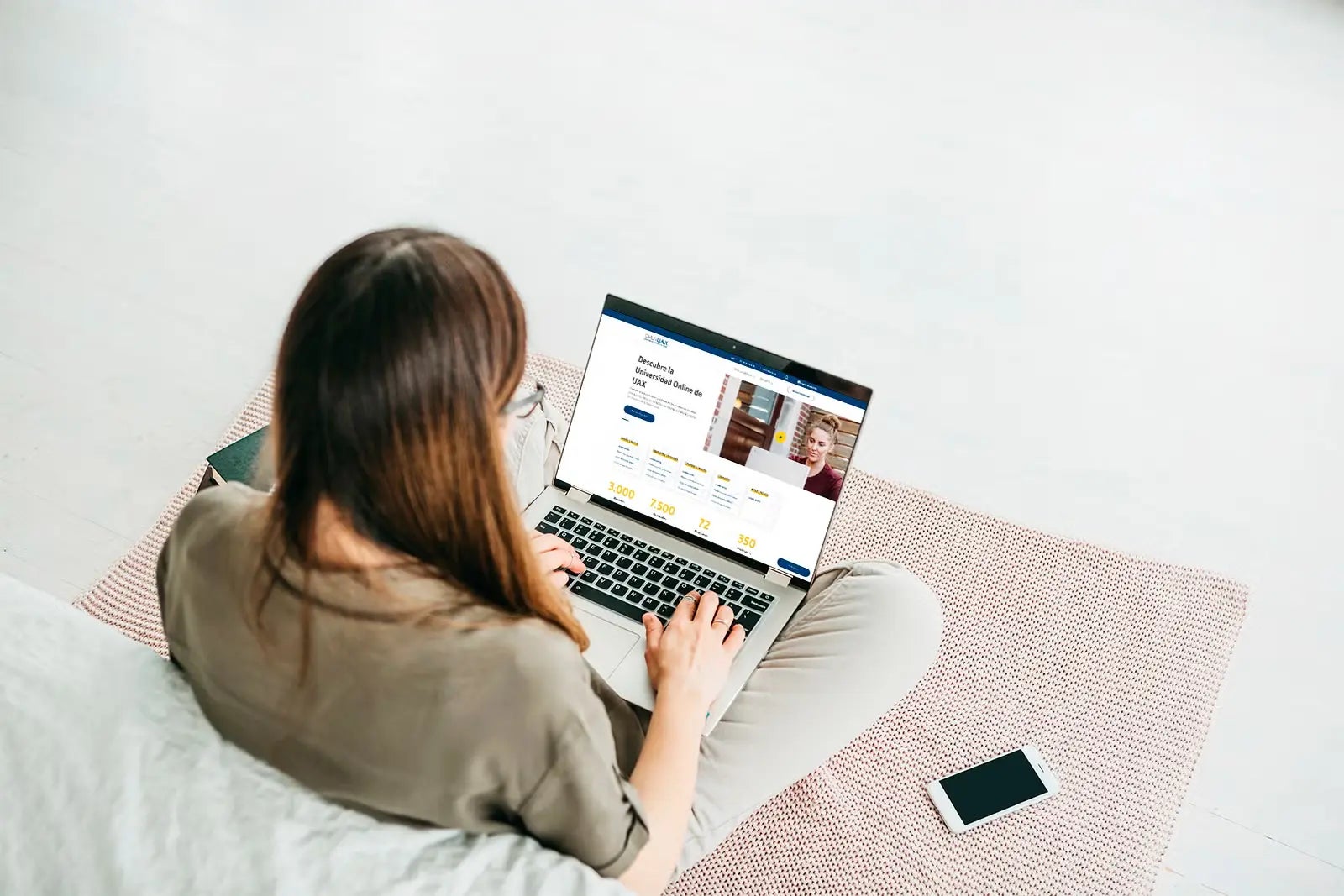
UAX Online University offers permanent access to the virtual campus via various devices, allowing students to view syllabuses, activities, forums, the calendar and recorded sessions.
Mobile devices can make it easier to keep up to date, communicate and access content. However, the specific activities and programmes used depend on each degree course.
To work comfortably, complete assessments and carry out projects, it is advisable to have a compatible computer as well as a mobile phone or tablet.
M-learning can complement the online methodology and help students stay engaged with their studies at different times, provided that the resources are properly adapted and the appropriate device is used for each task.
Sources
Alfonso X el Sabio University. Online University:
https://www.uax.com/online
Alfonso X el Sabio University. Online methodology:
https://www.uax.com/metodologia-online
UNESCO-UNEVOC. Definition of mobile learning:
https://unevoc.unesco.org/home/TVETipedia%2BGlossary/lang%3De/show%3Dterm/term%3DMobile%2Blearning
UNESCO. Guidelines for mobile learning policies:
https://unesdoc.unesco.org/ark:/48223/pf0000219641
UNESCO. The future of mobile learning:
https://unesdoc.unesco.org/ark:/48223/pf0000219637
European Commission. Digital Education Action Plan:
https://education.ec.europa.eu/focus-topics/digital-education/actions/plan